System Admistration
2 minutes read

Help Center: Account Access Recovery

Written by: Ray Fitusi
October 15, 2025

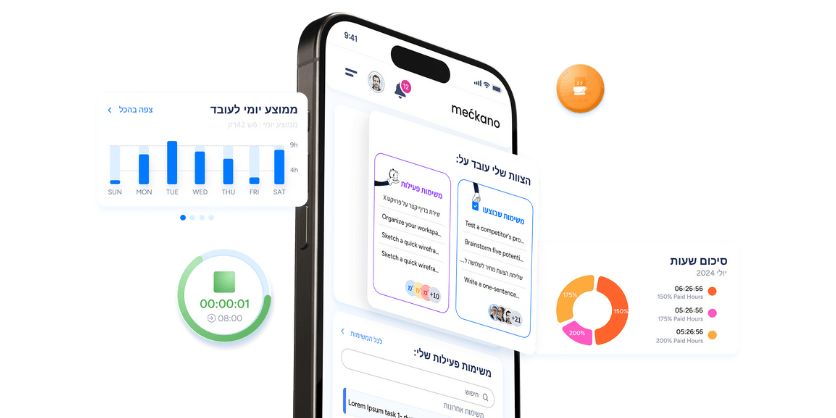
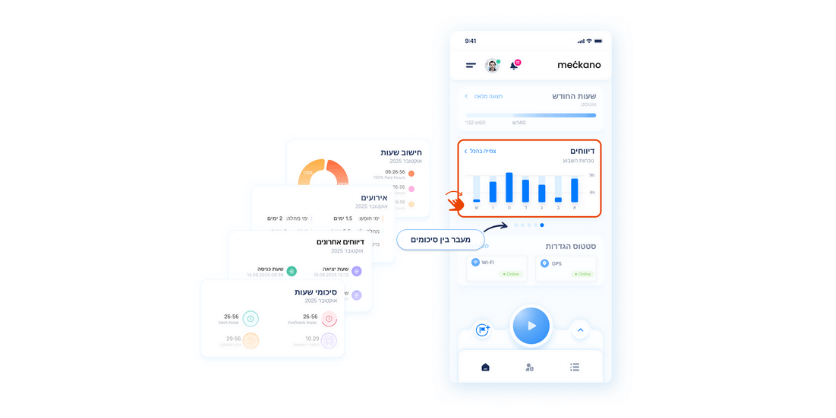
The new Meckano app is now available for for Apple, featuring a redesigned interface and an enhanced user experience.
An updated version for Android will be launched soon – full details will follow.

Following this update, some employees may be required to log in again.
Here are several ways to help employees log in quickly and efficiently:

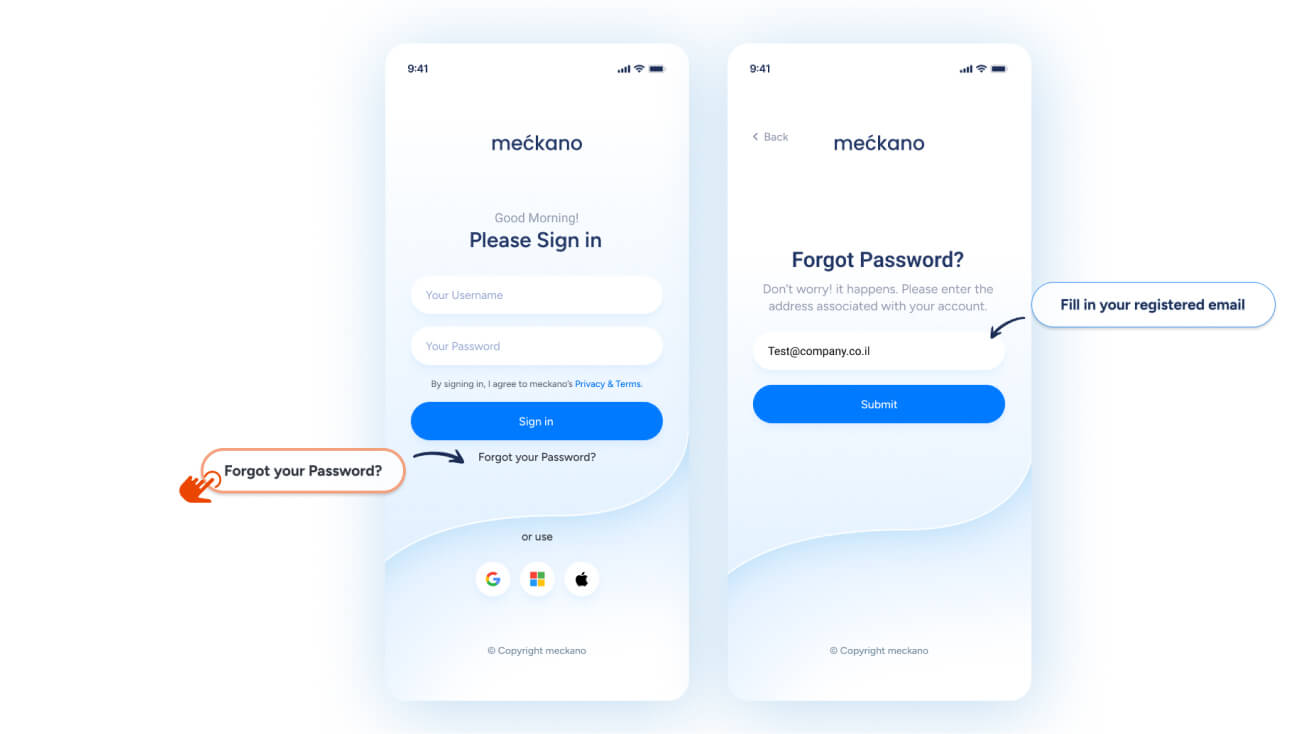
Forgot your password?

  • Employees can reset their password through the app:

    1. Press “Forgot Password”
    2. Enter the email address registered in the system.
    3. Use the link sent to their email to set a new password
    4. Return to the app to log in with their new password

    If additional support is needed to access the system, the system administrator can reset the password or sent access details.
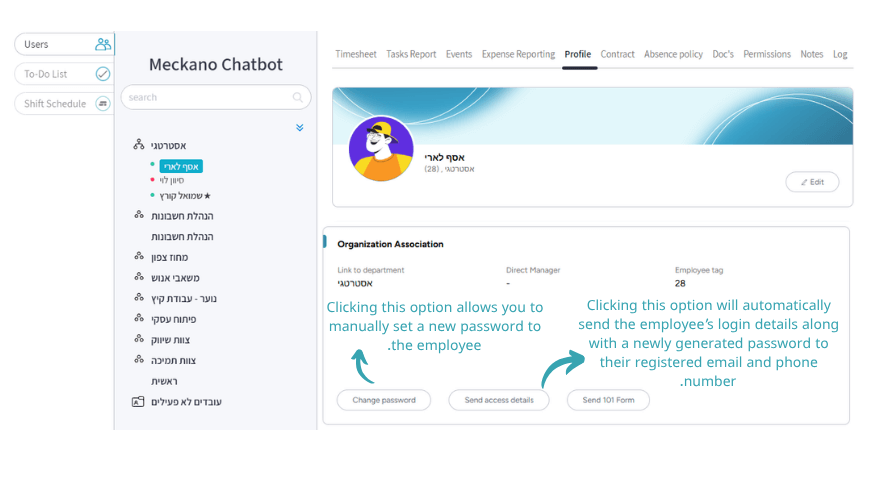
System administrator: Reset password & send access details

  • To reset an employee’s password or send them their access details:

    1. Log in as an administrator to the Meckano Web system
    2. Select the employee in question
    3. In the opened screen, choose Profile
    4. Scroll down to the Organization Association, to either Change password or Send access details.

Sending access details

  • Clicking this option will automatically send the employee’s login details along with a newly generated password to their registered email and phone number.

Changing password

  • Clicking this option allows you to manually set a new password to the employee.

Popular posts

מדריך צד מנהל באפליקציית שעון נוכחות מקאנו מדריך צד מנהל באפליקציית שעון נוכחות מקאנו
System Administration

Time and Attendance App – Manager Guide

34 Liked
Karen Cohen
2 minutes read
34 Liked
Read More
שעון נוכחות אפליקציה מקאנו שעון נוכחות אפליקציה מקאנו
Time tracking app

Time and Attendance App – Employee Guide

341 Liked
Karen Cohen
2 minutes read
341 Liked
Read More

Why not stay in touch?

Be the first to get our latest updates and solutions